Use this guide to move your Salesforce surveys from GetFeedback Direct to InPoll before GetFeedback Direct shuts down. For admins.
GetFeedback Direct shuts down on 31 Dec 2026. InPoll covers its core Salesforce use: case-close CSAT and NPS, linking each response to its record, email invitations with merge fields, and writing answers back to Salesforce. InPoll is free.
Check GetFeedback's own notices for dates and export options.
What to check first
Before you rebuild, list what you use today:
- Surveys: which ones are live and which ones you still need.
- Flows, rules or code that send them, and when they send.
- Reports and dashboards that use the answers.
- Where answers are stored in Salesforce.
Export your existing responses from GetFeedback before it shuts down. Plan to rebuild your surveys in InPoll.
Rebuild in InPoll
- Install InPoll. See Install InPoll.
- Set up the survey site that respondents use. See Set up the survey site (guided).
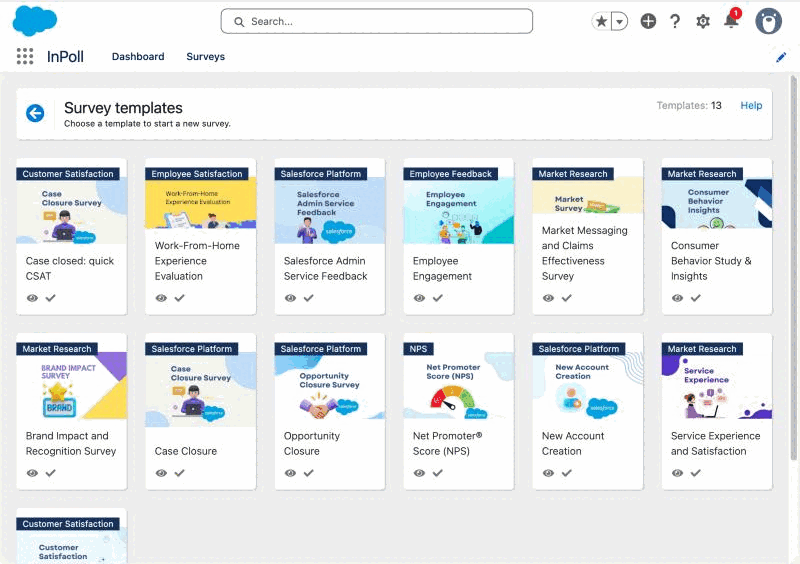
- Create a survey from the Case closed: quick CSAT template. It has a 1 to 5 star rating and an optional comment. See Create a survey from a template.
- Publish the survey. See Publish a survey.
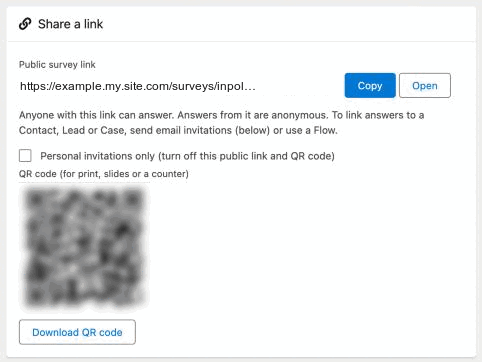
- Send the survey from a Flow, for example when a Case closes. See Send a survey automatically when a Case closes (Flow). You can also email personal invitations or share a link. See Send a survey.
- Write answers back to Salesforce, for example the rating and comment on the Case. See Response mapping.
- Report on the scores. See Reports: CSAT, NPS and response rate.
For an NPS survey, see Create an NPS survey.
What is different
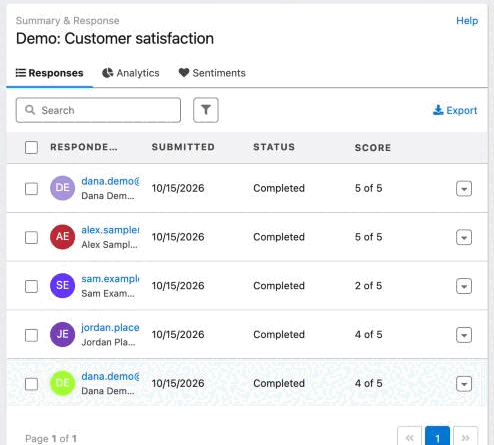
- Each response is linked to the Contact, Lead or User, the Case and the Account it came from.
- A personal invitation link can be answered once.
- InPoll needs no connected app.
- CSAT and NPS scores are stored on every response, and four ready-made Salesforce reports use them.
- Surveys are sent from the Send screen or from the Send InPoll Survey action in any Flow.